1
Open My profile
Log in, click the user icon at the top and open My profile. The button View public profile shows your company page as buyers see it.


Your profile creates your company page, where buyers see all your machines and how to contact you. A complete page inspires trust.
Log in, click the user icon at the top and open My profile. The button View public profile shows your company page as buyers see it.
Write the official name of your company: buyers see it on your company page and on every machine. Add your tax or VAT number.
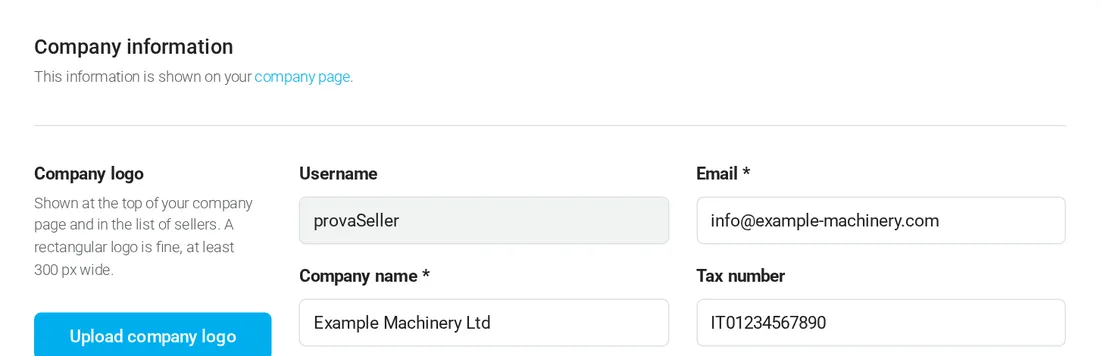
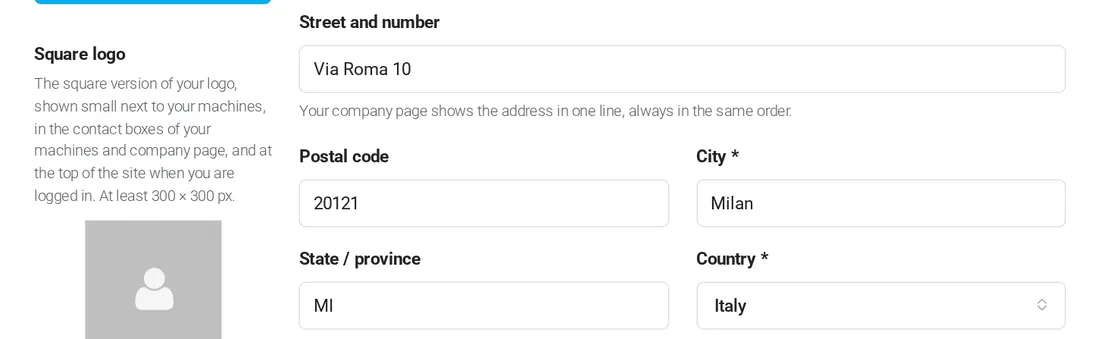
Fill in street and number, postal code, city and country. Your company page shows the address in one line, always in the same order.
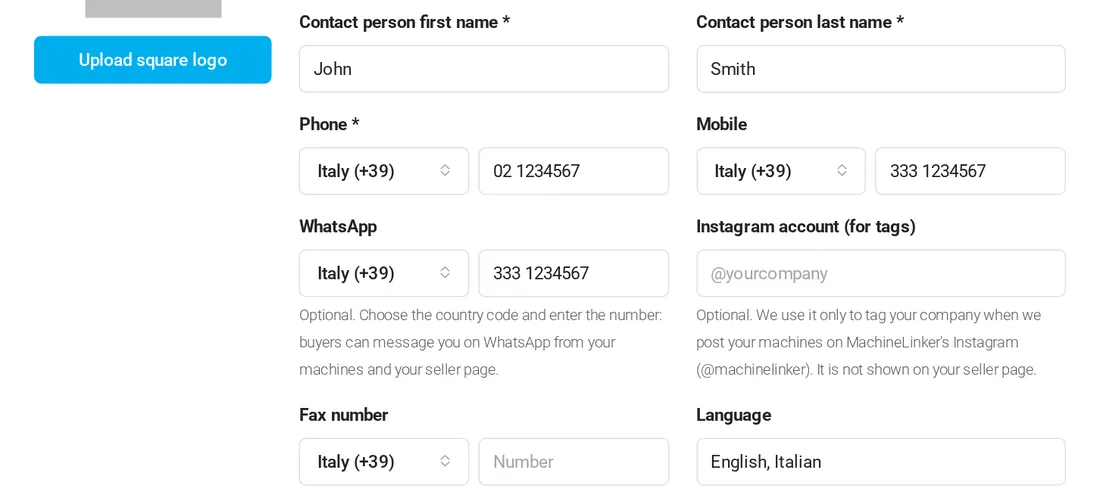
Add the contact person and the phone numbers. Choose the country code next to each number: buyers can call you and write to you on WhatsApp from your machines and your company page. The Instagram account is only used to tag your company in our posts.
Write a short presentation: who you are, what you sell, how you work, your services and the countries you sell to. Write it in English.
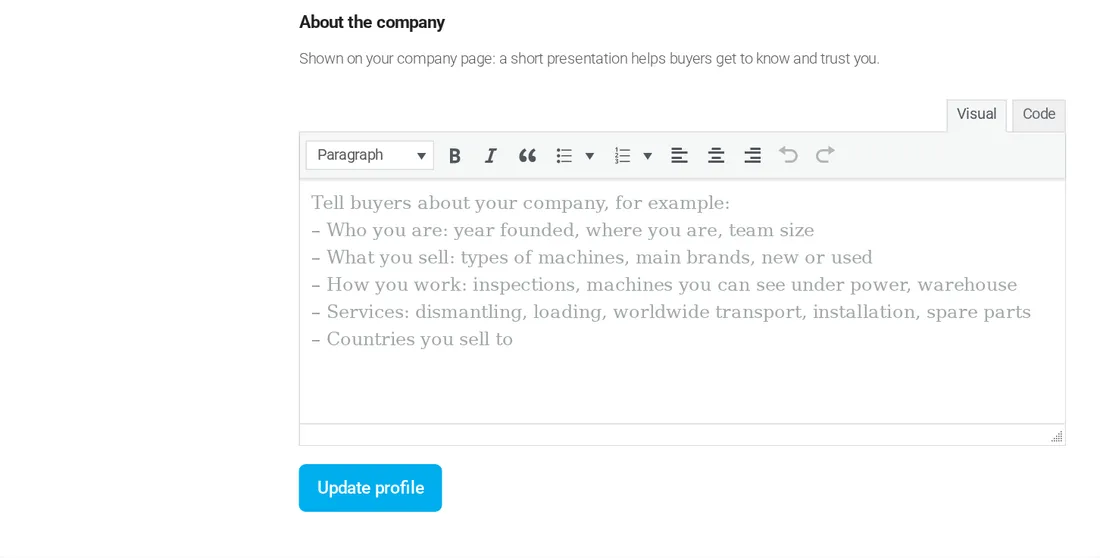
Upload your company logo, shown at the top of your company page and in the list of sellers (a rectangular logo is fine, at least 300 px wide), and a square logo, shown next to your machines and in the contact boxes (at least 300 × 300 px).
Click Update profile. Your company page is updated at once.
Click View public profile at the top of My profile. Your company page is also listed on the Sellers page when you have at least one published machine.
Buyers come from many countries: with the country code they can call you or open WhatsApp with one click.
In My profile, in the Change password section.
Buyers contact you directly, with no commission.
Add your first machine for free